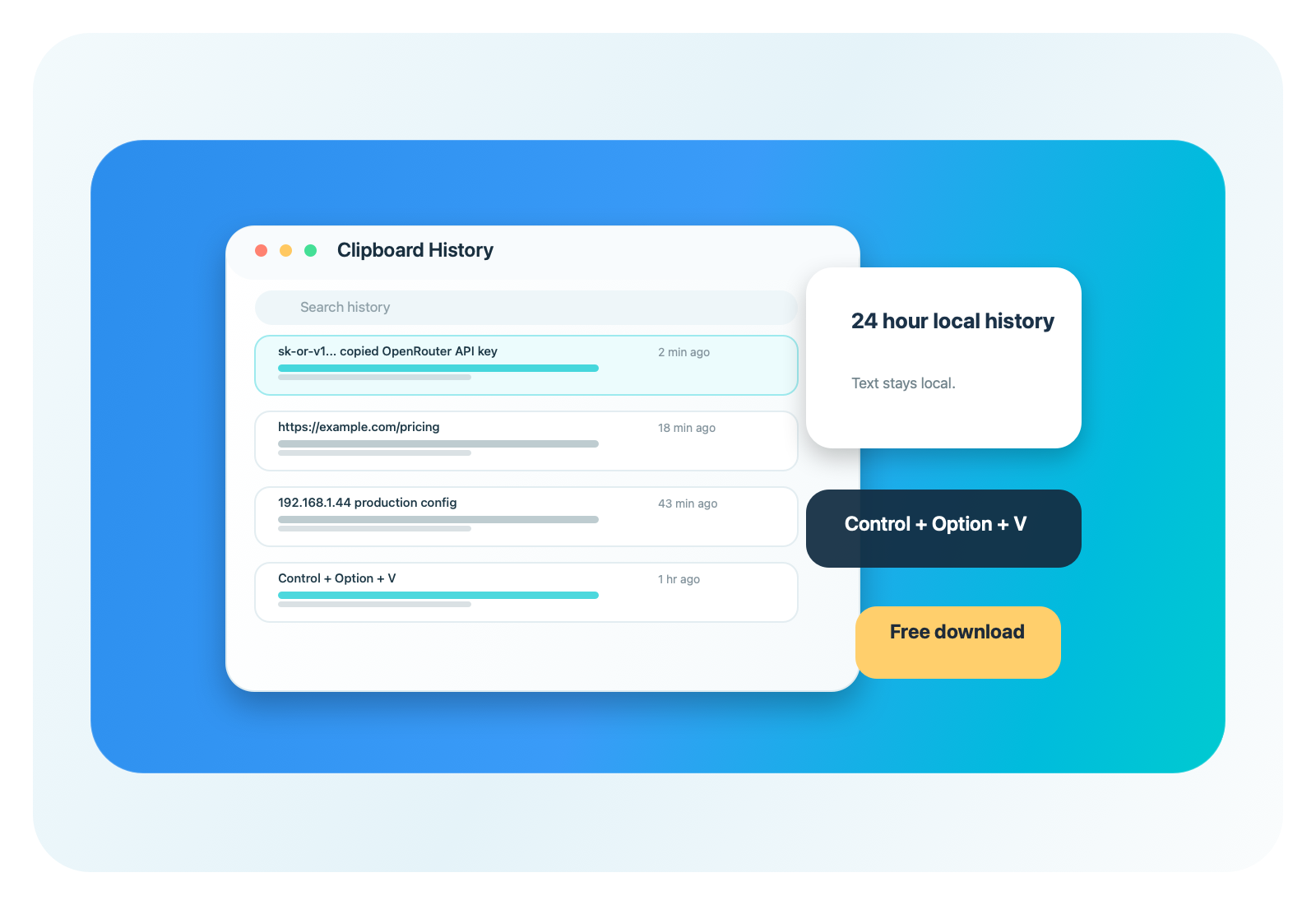
24 hour clipboard history
Every saved text item expires after one day, keeping the history useful without becoming a permanent archive.
Free Mac clipboard manager
Mac Clipboard 24H saves copied text, links, IP addresses, code snippets and API keys locally for 24 hours. Open history with Control + Option + V, or quick paste latest items with Control + Option + 1/2.
Quick answer
macOS only shows your current clipboard item. This app adds a simple clipboard history Mac users can open any time.
Features
Use it when you copied an OpenRouter API key, a production URL, an IP address, a prompt, a tracking link or a code snippet and need it again later.
Every saved text item expires after one day, keeping the history useful without becoming a permanent archive.
Open the history window with Control + Option + V, paste the latest item with Control + Option + 1, or paste the previous item with Control + Option + 2.
Copied text history stays in local app storage on your Mac. Images and files are ignored.
Find copied links, API keys, IPs, commands and messages without going back to the original website.
Pause capture, clear history, open the history window or quit from the macOS menu bar.
Download the universal DMG for Apple Silicon and Intel Macs. Optional coffee support is available.
Download
Universal macOS app for Intel and Apple Silicon. Designed for people who copy important text from websites all day and need a reliable Mac copy paste history.
FAQ
Install Mac Clipboard 24H and press Control + Option + V. The app shows copied text from the last 24 hours.
Yes. If the copied content is text, including URLs, IP addresses, API keys and snippets, it can be saved in the local 24 hour history.
No. It works alongside the normal macOS clipboard and adds a searchable history window.